If you are new in WARDOGS you need to learn these 10 hotkeys to improve your gameplay, it will make your life so much easier.
Table of Contents
N (Minimap Zoom)
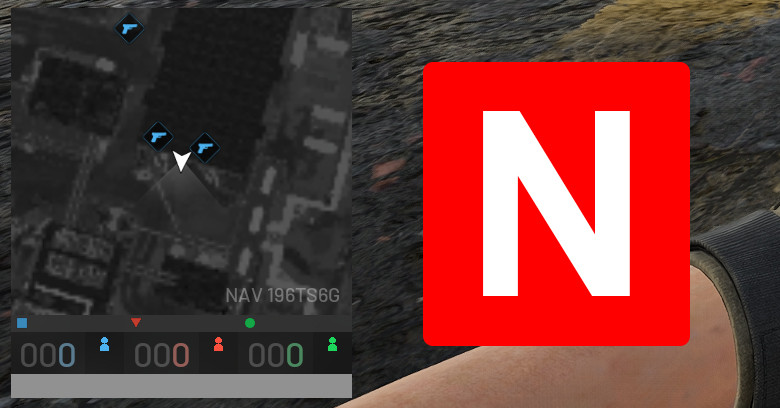
Minimap in WARDOGS are the most useful widget in the game, the default zoom is too close, you can’t see your surrounding.
All enemies that your teammate spot will show up as small circle dot on the mini-map, knowing when to zoom out will help you be more aware of where you getting attack or shot from.
Bracket [ & ] (Minimap Zoom In & Out)
Similar to N, the [ and ] allows you to manually zoom in and zoom out with each press, this is good for sniper far aways from the hot zone where as N are better for hot zone assault team.
Pg Up Pg Down (Zeroing Sniper scope)
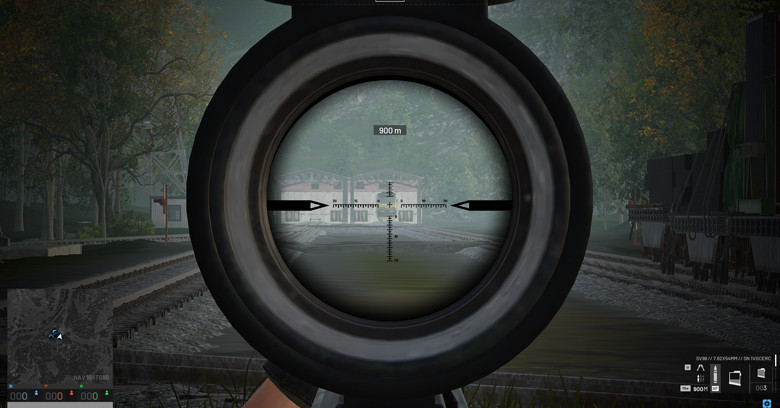
Page Up and Page Down buttons are sniper most essential hotkeys, especially for those that like to secure long range sniper kill, combine these hotkeys with range finder and you will see your sniper skill improve instantly.
Tip: Use Range finder to read the target distance, then use middle mouse button to ping the target, swap to your sniper the press Page Up button to zero your scope up for matching the target distance, then shoot. Extremely useful for target who is further than 400 meters.
C (Pack Mag)
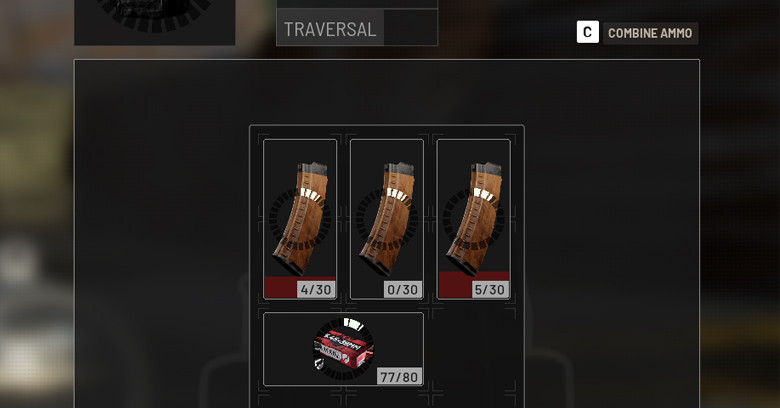
I’ve seen streamers with almost 100 hours in the game still open their inventory and manually drag the ammo into their mag.
Just press C, and the game will automatically pack the empty mags with loose ammo for you.
Tip: Always find a good spot to pack your magazine to avoid getting catch off guard by enemies.
CTRL + Click (Buy Ammo from mag in the bag)
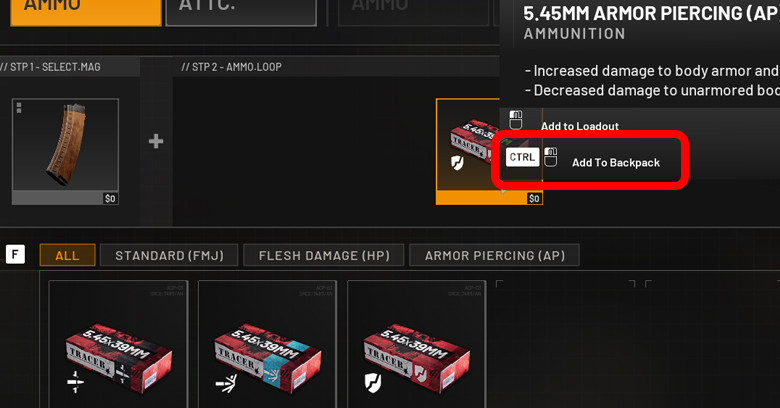
During Buy Phase do you happens to Buy two magazine, then switch to loose ammo tab and try to find the ammo that you just bought in your mags?
Well from now on, when you first buy your magazine, just click CTRL + click on the ammo that you just bought for the mag, and the loose ammo will appear in your bag.
Right Click (Refund)
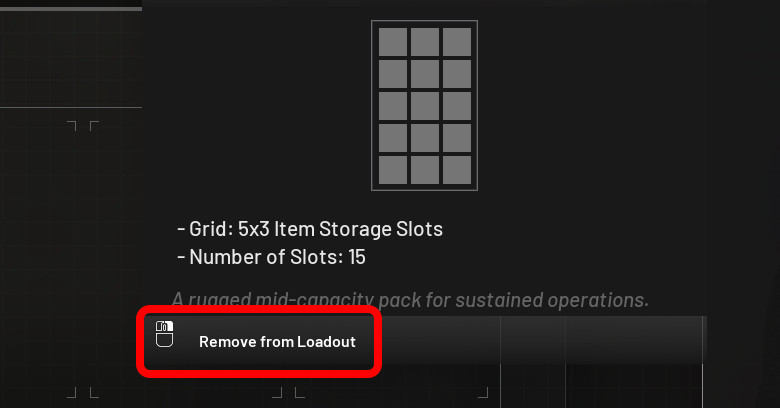
During the buying phase of the game, no matter what item that you buy, you can refund it back by simply clicking mouse right click.
Note: It’s only work when you haven’t left the buyers, once you left him, you won’t be able to refund the items, so make sure you get what you need before you confirm purchase.
X (Holster Weapon)
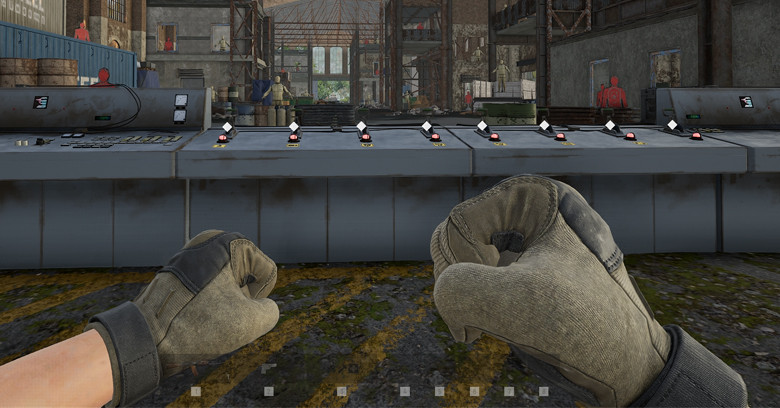
This Hotkey is very useful for medium to heavy loadout players, you can run quicker with nothing on your hand by pressing X to holster whatever weapon or item you are holding.
Hold 4 (Equipment Wheel)
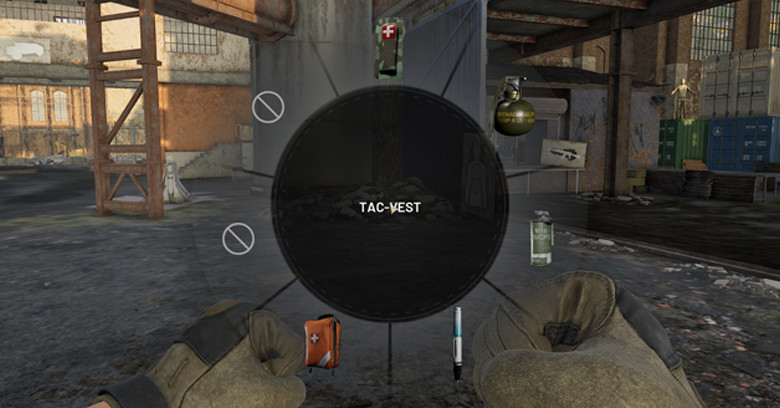
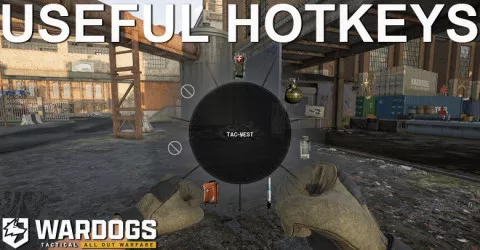
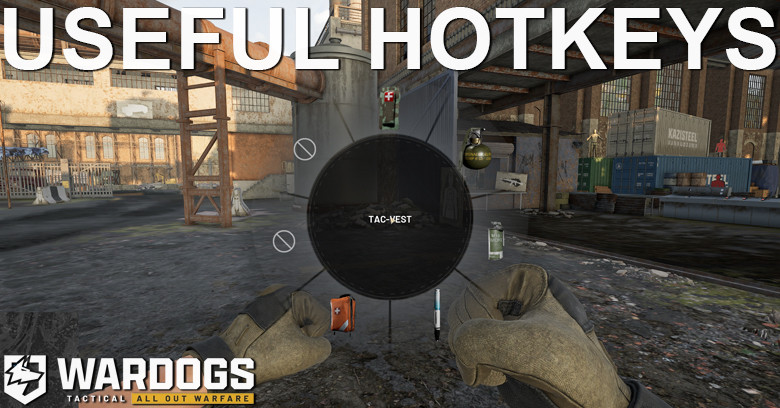
This one is by far the best Hot key that I’ve used, when you Hold button 4 a wheel of all the equipment that you bought will pop up, like bandage, medical kit, adrenaline pen, and other tactical as well, you can instantly use them without having to manually going into the inventory or press 5 6 7 8 9.
Note: You need to equip the item into vest slot first to achieve this, so if you are running with a lot of items, make sure your purchase medium to large vest.
Hold F1 F2 F3 F4 (Switch Car Seat)
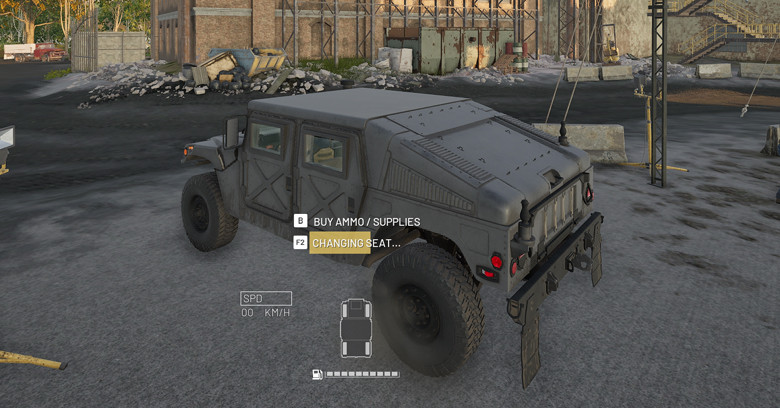
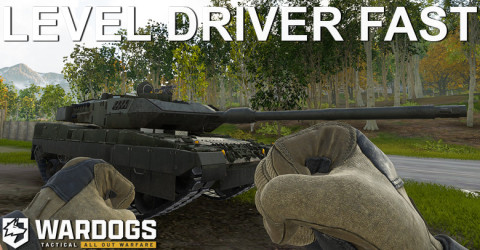
This one is for all the Drivers out there, if you hold O, it will assign you to the next seat, then another next seat, but if you hold F1 you will automatically get to the first seat, and F2, F3, F4 are assign to seat 2, 3, and 4.
This Hotkey are super useful for tank players, and humvee players, stop getting out of the car to change seat, just know your seat position and switch back and forth with the F1, F2, F3, F4 keys.
V (Vault get stuff for free)
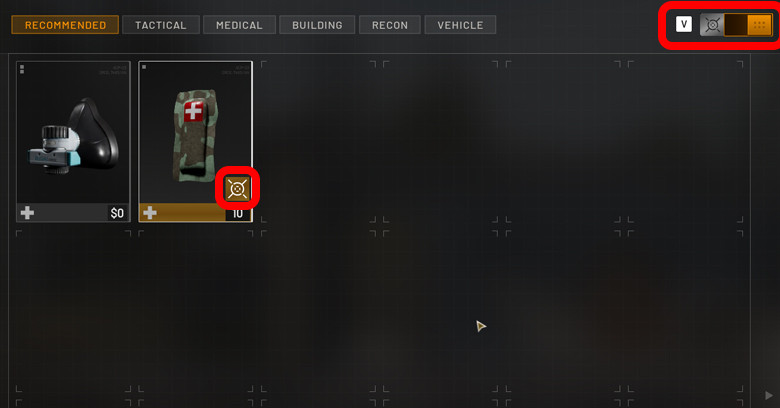
This last hot key is for players who’s struggling financially in the game, under the Black market of the main menu, you will see that you can get Bandage X5 for $200, and if you buy it in game, it will cost $1000.
Now when you bought the black market bandage, it will be store in Vault, and when you’re inside the game, at the buying station, you need to press V to access those vault and get the bandage you bought outside the game.
Right now it’s only bandage, but in the future there will be more item that you can buy for cheap at the main menu compare to in-game buy station.
If you connect your account to get drops when watching streamer, those item will also be in your vault as well, so make sure you use them before the upcoming wipe.
Conclusion
In short, Learn these keybinds and use it, it will help reduce so much time buying item and improve your quality of game as tanker or drivers, increase awareness of players in Hot zone, and make running multiple tactical so much better.
Read More:
 Best Gun in WARDOGS
 How to Counter Level 4
 How to Counter Artillery Tank
 Bypass Select Faction
 Must Have Items
 How to Counter Humvee
 10 Useful Hot Keys
 How to Level Up Medic
 How to Level Up Driver
 Best Gun for Beginner
 How to Unlock MAAWS
See you in WARDOGS.